Hot-Swappable Mechanical Keyboards: What to Look For
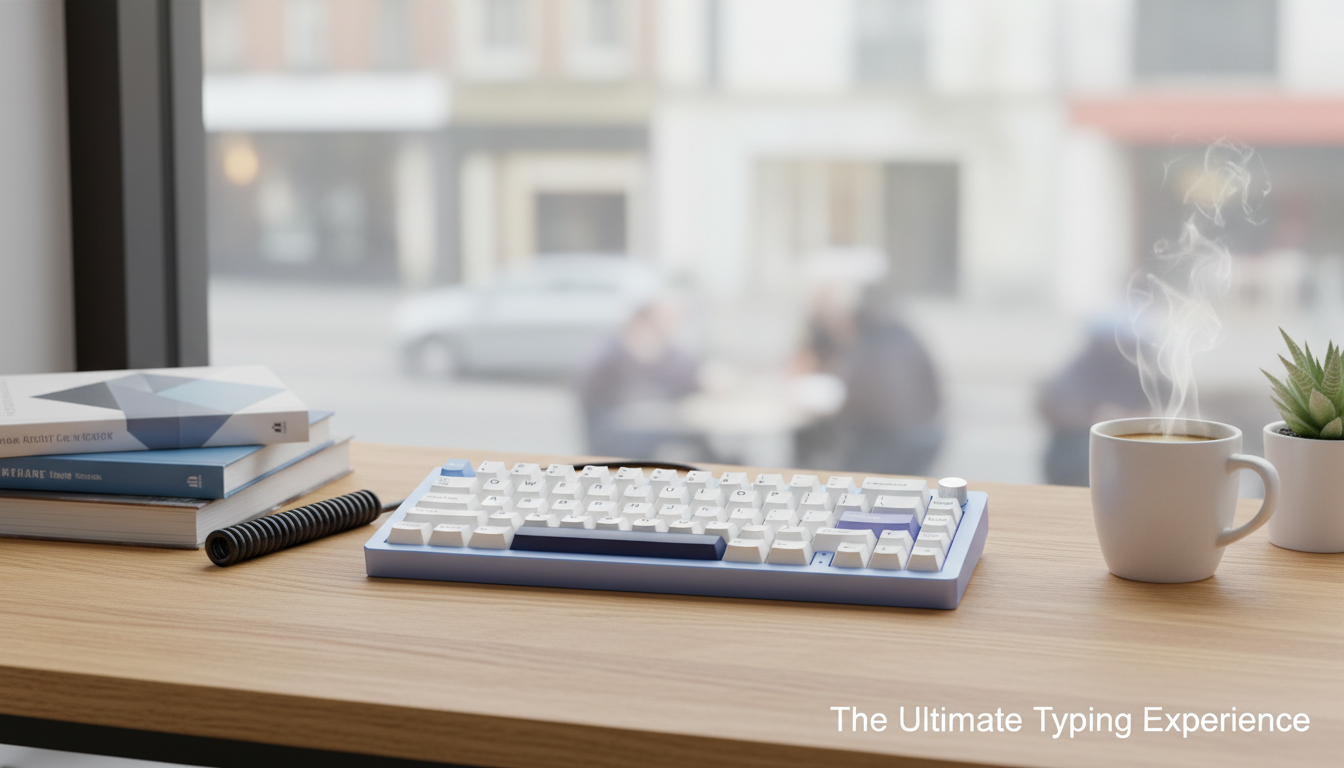
Which mechanical keyboards have hot-swappable switches?
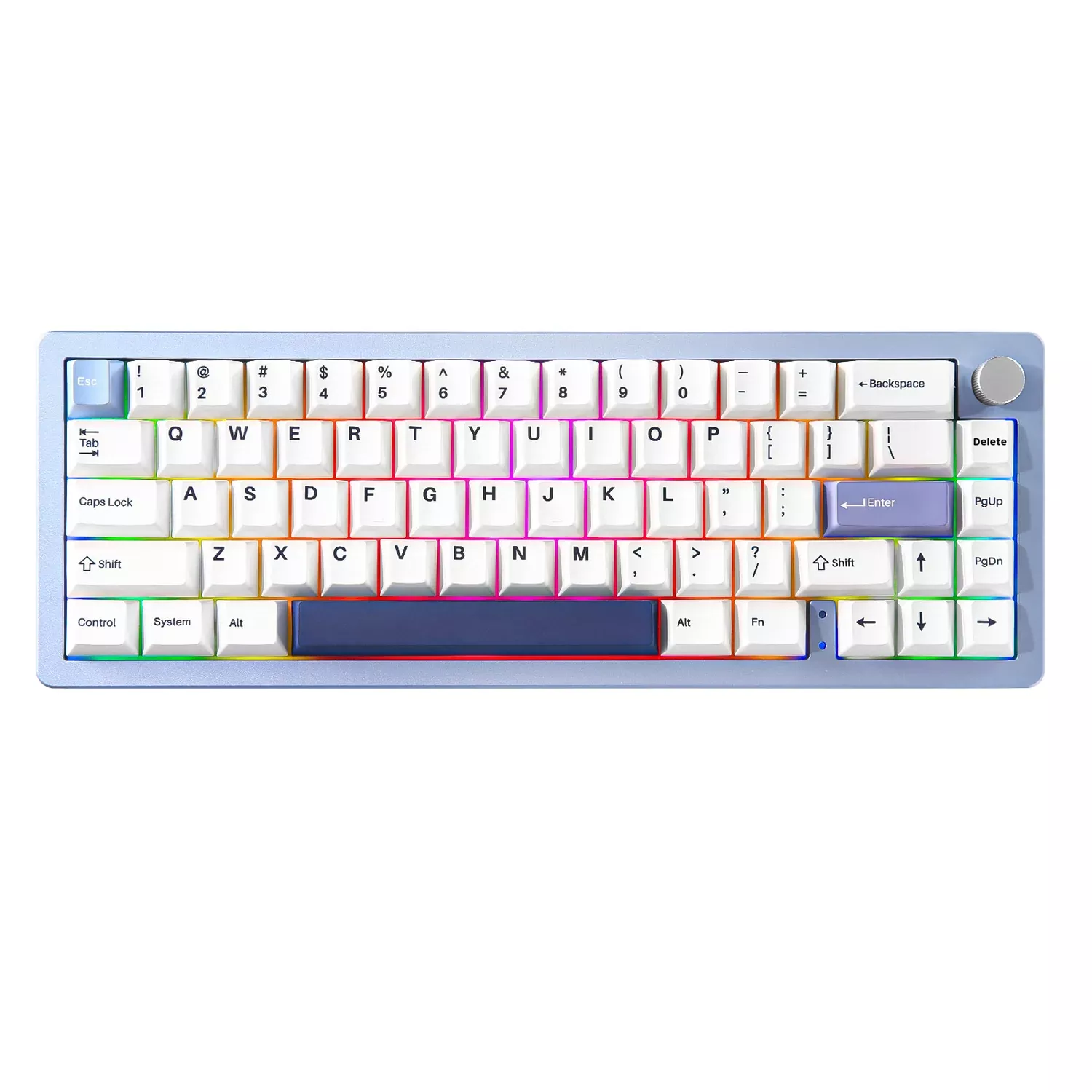
Mechanical keyboards with hot-swappable switches are models built with hot-swap sockets on the PCB, letting you pull out switches and press in new ones without soldering. You’ll typically find hot-swap support on many compact enthusiast-friendly boards (especially 65% layouts), a growing number of wireless multi-device keyboards, and some gaming-focused options that market switch customization as a headline feature.
To identify a true hot-swappable keyboard, look for wording like “hot-swap sockets,” “hot-swappable PCB,” or compatibility callouts such as “3-pin/5-pin hot-swap.” Many boards accept both 3-pin and 5-pin switches, while some only support 3-pin unless you clip the two plastic alignment pins on 5-pin switches. Also confirm the switch type (most are hot-swap for MX-style switches; hot-swap for low-profile or optical switches is a different system).
Hot-swappable keyboards are a strong fit if you want to tune feel and sound over time—swapping from linear to tactile, testing different spring weights, or replacing a single failed switch without sending the keyboard in for repair. They’re also convenient if you share a keyboard between work and gaming and want different switch behavior without buying a whole second board.
For a practical example focused on a compact layout, wireless connectivity, RGB, and hot-swap support, see this guide: https://everydaychoicesshelf.shop/guide-compact-65-percent-wireless-mechanical-keyboard-rgb-hot-swap-multi-device/.
For Hot-Swappable Mechanical Keyboards: What to Look For, the best answer depends on fit, material, care instructions, and how the product will be used day to day.
Checking those details first helps avoid a poor match and keeps the choice practical after delivery.
FAQ
Do hot-swappable mechanical keyboards work with any switches?
They usually work with MX-style switches that match the socket type, but not “any” switch. Always check whether the board supports 3-pin, 5-pin, or a specific switch system (MX vs optical vs low-profile).










Leave a comment