Auto Focus Explained: What It Means on Projectors
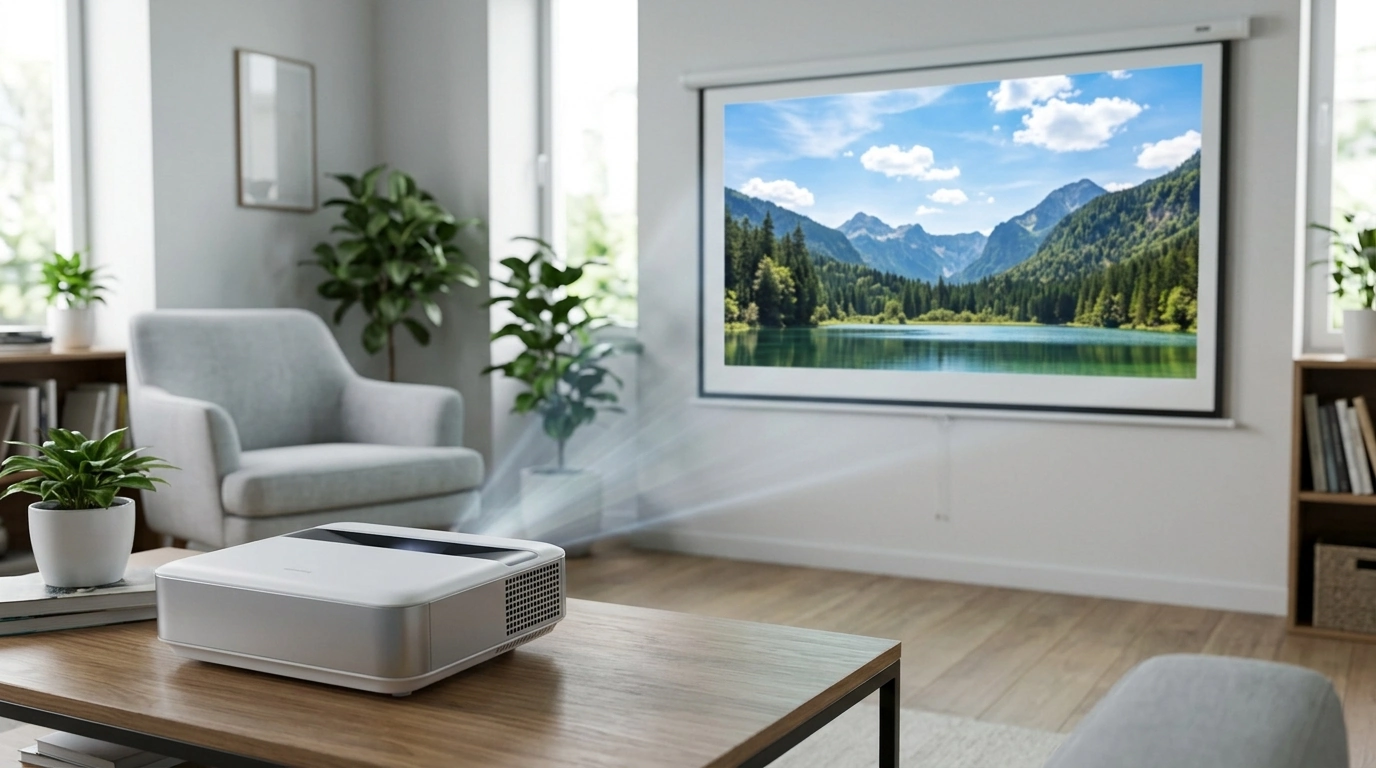
What does auto focus mean?
Auto focus (often written as “autofocus”) means a device automatically adjusts its lens to make the image look sharp. Instead of turning a focus ring or digging through menus, the projector or camera measures what’s on the screen and fine-tunes focus for you so text and details appear clearer.
How does auto focus work on a projector?
In a projector, auto focus typically uses a sensor or camera-based system to evaluate sharpness on the projected image. The projector then moves an internal lens element (or adjusts focus electronically) until edges and patterns look crisp. Many models run auto focus when you power on the projector, when it detects movement, or when you trigger it from the remote.
Why auto focus matters for everyday viewing
Auto focus can be especially helpful if the projector gets bumped, moved between rooms, or set up for quick movie nights. It reduces the trial-and-error of manual focusing, which is important for reading subtitles, navigating streaming menus, or showing slides and documents where crisp lettering matters.
Is auto focus always perfect?
Auto focus is designed for convenience, but results can vary based on distance, screen texture, lighting, and what’s being displayed. A blank wall, low-contrast scenes, or heavy keystone correction can sometimes make focusing less accurate. Many projectors still include a manual focus option so you can fine-tune sharpness if needed.
Auto focus vs. auto keystone: what’s the difference?
Auto focus sharpens the image. Auto keystone squares the image (reducing a trapezoid shape) when the projector isn’t perfectly centered. They often work together, but they solve different problems—one is clarity, the other is geometry.
For a practical look at how autofocus fits into a modern home setup—alongside features like 1080p resolution, WiFi, Bluetooth, and large-screen projection—see the full guide here: https://everydaychoicesshelf.shop/guide-auto-focus-1080p-projector-5ghz-wifi-bluetooth-150-inch/.
FAQ
Does auto keystone reduce image quality?
It can. Keystone correction often digitally rescales the picture, which may slightly soften details compared to a perfectly aligned, optically projected image.









Leave a comment