Auto-Focus 1080p Projector: 5GHz WiFi, Bluetooth, 150″
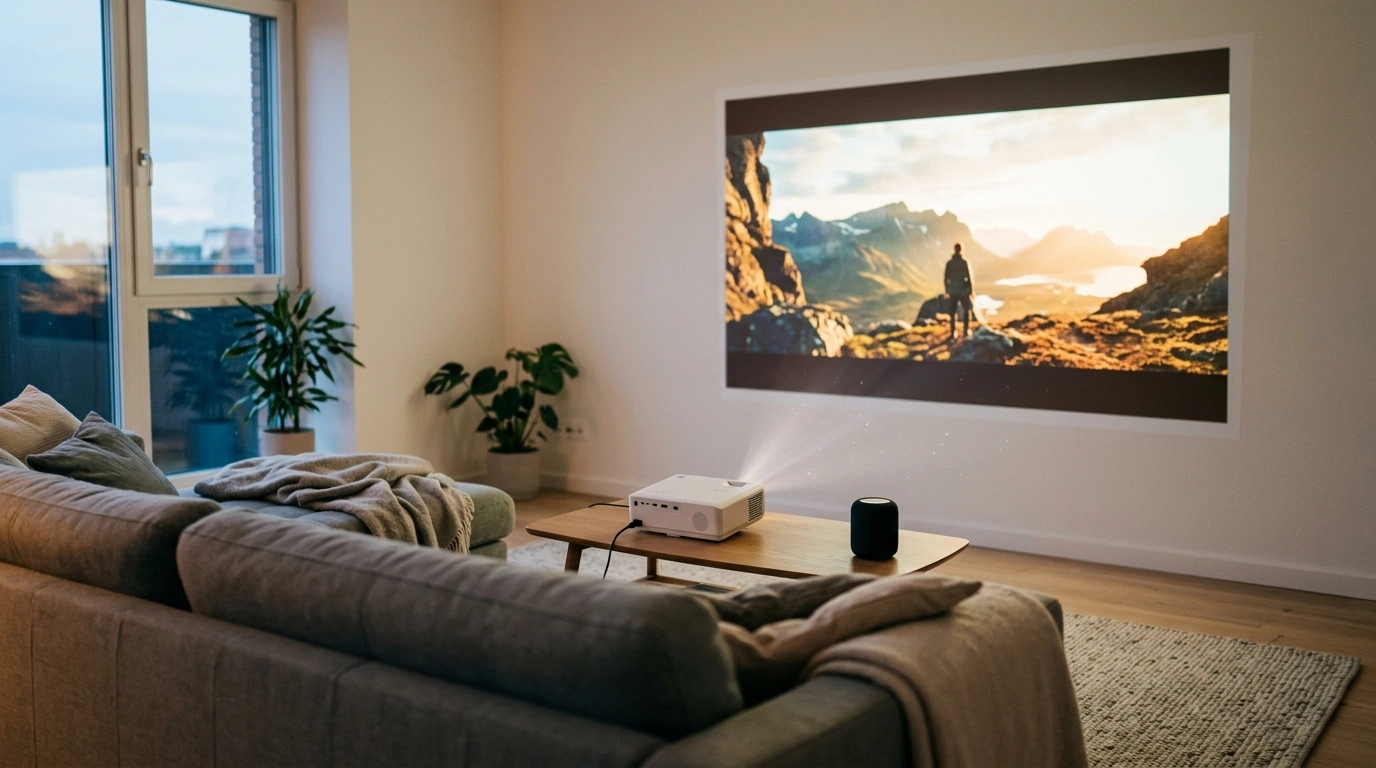
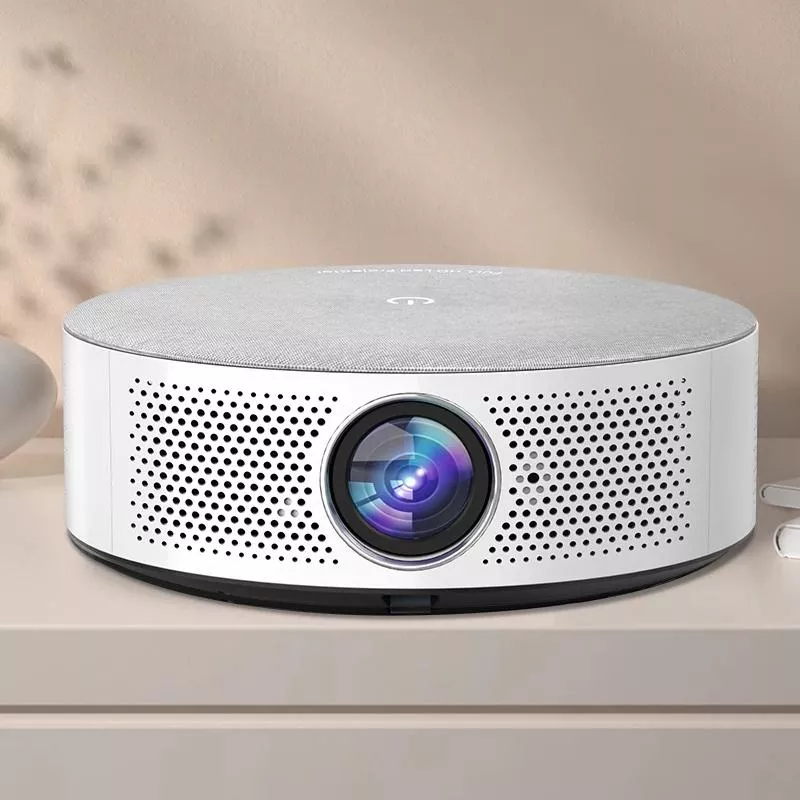
Auto Focus Full HD Projector with 5G WiFi, Bluetooth, and 150″ Display Support
A fast, frustration-free setup matters more than ever for movie nights, casual gaming, and flexible home viewing. An auto-focus Full HD projector with 5G WiFi and Bluetooth can cut down on manual adjustments, connect quickly to common devices, and fill a large wall or screen for an immersive picture without a permanent TV installation.
What This Projector Is Built For
This style of projector is designed for real-life use where the “set it down and start watching” experience matters. Instead of treating projection like a permanent install, it supports the way people actually watch: moving between rooms, changing where the screen goes, and switching devices often.
- Living-room movie nights where quick focus and easy device pairing reduce setup time
- Bedroom or apartment viewing where a large image replaces a bulky TV
- Portable use for gatherings, rentals, or temporary spaces where a wall or screen is available
- Everyday streaming and casting workflows that benefit from stable wireless connectivity
Auto Focus: Why It Changes Day-to-Day Use
Auto focus is one of those features that becomes more valuable the more often the projector moves. If the projector gets nudged on a coffee table, shifted to a different shelf, or repositioned to change image size, auto focus helps bring the picture back into clarity without repeated manual tweaking.
- Speeds up setup after moving the projector, changing throw distance, or switching surfaces
- Helps keep text and subtitles readable with less manual adjustment
- Pairs well with casual portability—set down, power on, and fine-tune placement instead of turning focus dials repeatedly
- Best results still depend on stable placement and a reasonably flat projection surface
For the cleanest results, aim for a straight-on projection (not steeply angled). Extreme angles can stretch parts of the image and make the corners harder to keep perfectly crisp, even when focus is strong.
Full HD Picture and Large-Format Viewing Up to 150″
Native Full HD (1080p) resolution is a sweet spot for home entertainment: sharp enough for streaming, sports, and subtitles, while still being easy to drive from common devices. With display support up to 150 inches, you can turn an open wall into a big-screen experience that feels closer to a home theater than a traditional TV setup.
- Native Full HD (1080p) is well-suited for streaming, sports, and general entertainment with clear detail
- A larger image can feel more cinematic, but perceived brightness and contrast depend heavily on room lighting and screen quality
- For a cleaner picture: dim ambient light, use a neutral-colored wall or a dedicated screen, and keep the projector square to the surface
- Sound can be handled through Bluetooth speakers or a wired system depending on the setup
Large-screen setup checklist
| Goal | Practical tip |
|---|---|
| Sharper image | Keep the projector level and centered; avoid keystone extremes when possible |
| Better contrast | Reduce room light; close curtains; use a matte white or light-gray screen |
| Less eye fatigue | Sit farther back as image size increases; lower brightness if needed in a dark room |
| Cleaner audio | Pair a Bluetooth speaker/soundbar or route audio through an external system |
5G WiFi and Bluetooth: Wireless That Fits Modern Devices
Wireless features matter because they remove friction. When the projector connects reliably, it’s easier to keep your setup simple—especially in apartments, shared homes, and rooms where running long cables isn’t practical.
- 5 GHz WiFi can reduce interference in busy households compared to 2.4 GHz networks, helping streaming stability
- Bluetooth support makes it easier to connect speakers or headphones without running long audio cables
- For the smoothest experience: keep the projector within good router range and avoid congested channels when possible
- If lip-sync issues appear over Bluetooth, try a different speaker, reduce distance, or use a wired audio path where available
For standards and compatibility details, it helps to reference the organizations behind the tech: Wi‑Fi Alliance and Bluetooth SIG.
Display Support and Connectivity: Practical Use Cases
For more on HDMI basics and cable expectations, see the HDMI Licensing Administrator.
Quick Setup Tips for a Better First Night
Product Snapshot
If the goal is an easy big-screen setup that doesn’t require a permanent TV mount, the Auto Focus Full HD Projector with 5G WiFi, Bluetooth, and 150″ Display Support is a practical, balanced option. It combines quick focusing, a clear 1080p picture, and wireless flexibility for modern streaming and audio.
At-a-glance feature map
| Feature | What it helps with |
|---|---|
| Auto focus | Faster setup after moving or adjusting distance |
| Full HD (1080p) | Clearer detail for films, sports, and subtitles |
| 5 GHz WiFi | More stable streaming in many homes with crowded networks |
| Bluetooth | Easy connection to speakers or headphones |
| Up to 150″ display support | Cinematic-size viewing in a darkened room |
More In-Stock Finds
- Women’s Summer Pleated Linen Tank Top
- Minimalist Loose Pleated Suit Pants
- Rectangular Tempered Glass Bathroom Vessel Sink with Waterfall Faucet
FAQ
Does auto focus remove the need for manual adjustments?
Auto focus speeds up getting a sharp image, especially after moving the projector or changing distance, but placement still matters. If the projector is angled heavily or the surface isn’t flat, small alignment tweaks can improve edge sharpness.
Is 5G WiFi the same as cellular 5G?
No. “5G WiFi” typically refers to the 5 GHz WiFi band from a home router, not cellular 5G service. The 5 GHz band can be less crowded than 2.4 GHz in many homes, which can help streaming stability.
Can Bluetooth connect to a soundbar or headphones?
Yes, Bluetooth is commonly used to pair with compatible soundbars, speakers, or headphones. If you notice audio delay, try keeping devices closer together or switching to a wired audio connection when available.









Leave a comment